
PinPoint: Grid Drawing App & AR Sketch Guide for Accurate Art
Grid Drawing • AR Sketch • Precision Tools
Grid Drawing • AR Sketch • Precision Tools
Improve your drawing accuracy with a complete grid maker, AR drawing preview, and pin-point coordinate tools for portraits, realistic sketches, and large canvas projects.
Start drawing with confidence on Android

Great for beginners and professional artists who want faster, more accurate reference transfer.
Why artists use PinPoint
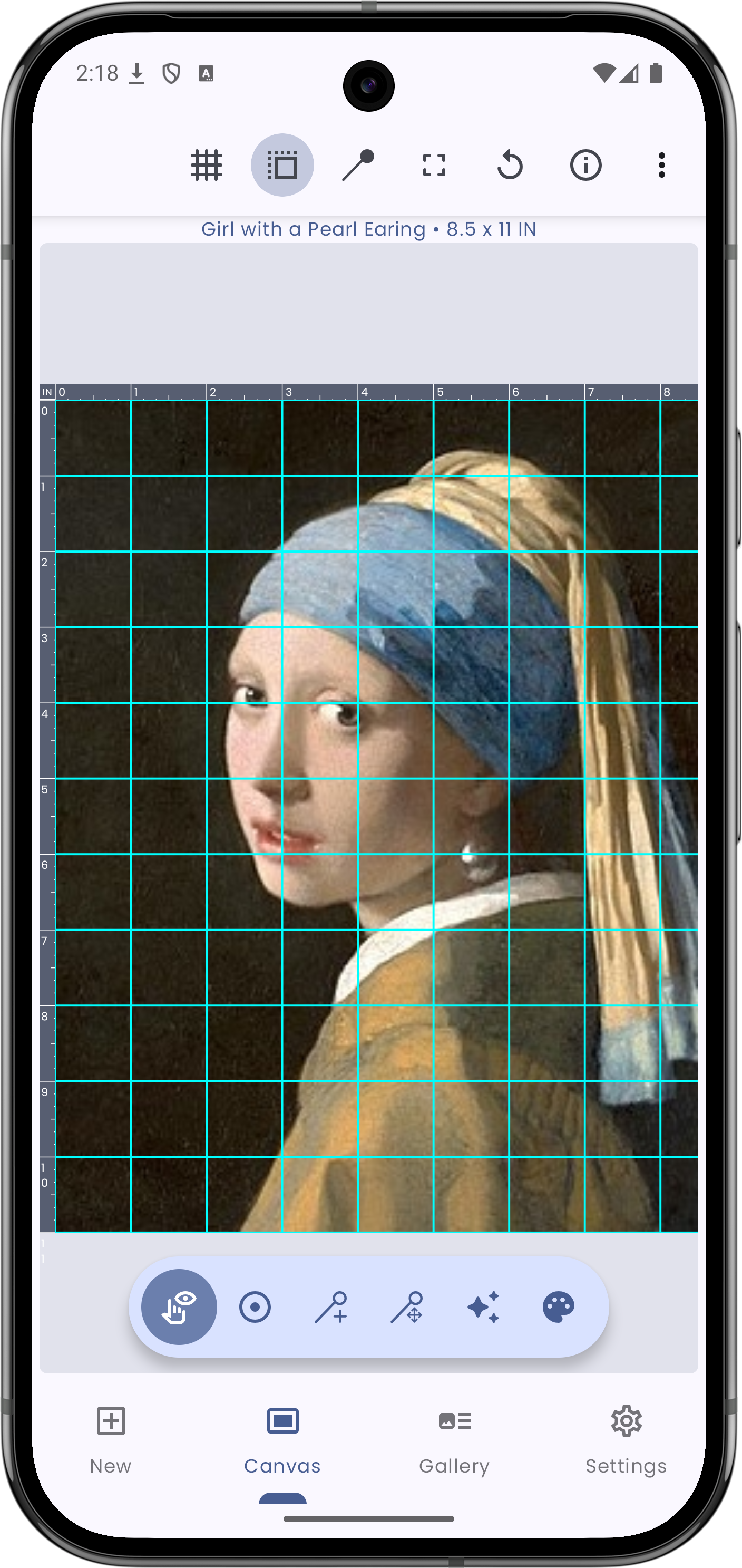
- 📐 Build square, diagonal, and rule-of-thirds grids with adjustable sizing.
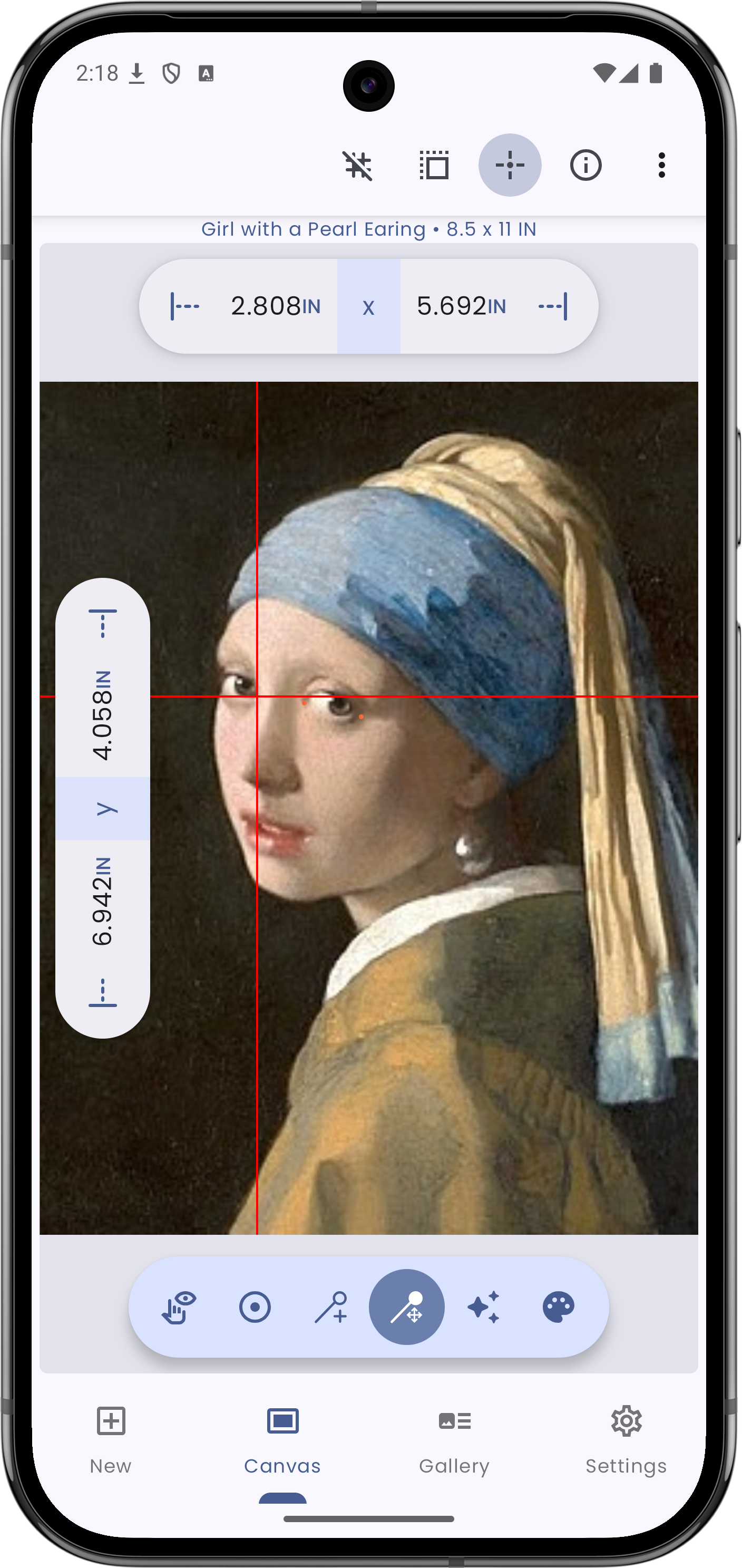
- 🎯 Drop pins and get exact X/Y coordinates to transfer proportions precisely.
- 🧠 Use AR sketch overlay to align and trace references on real surfaces.
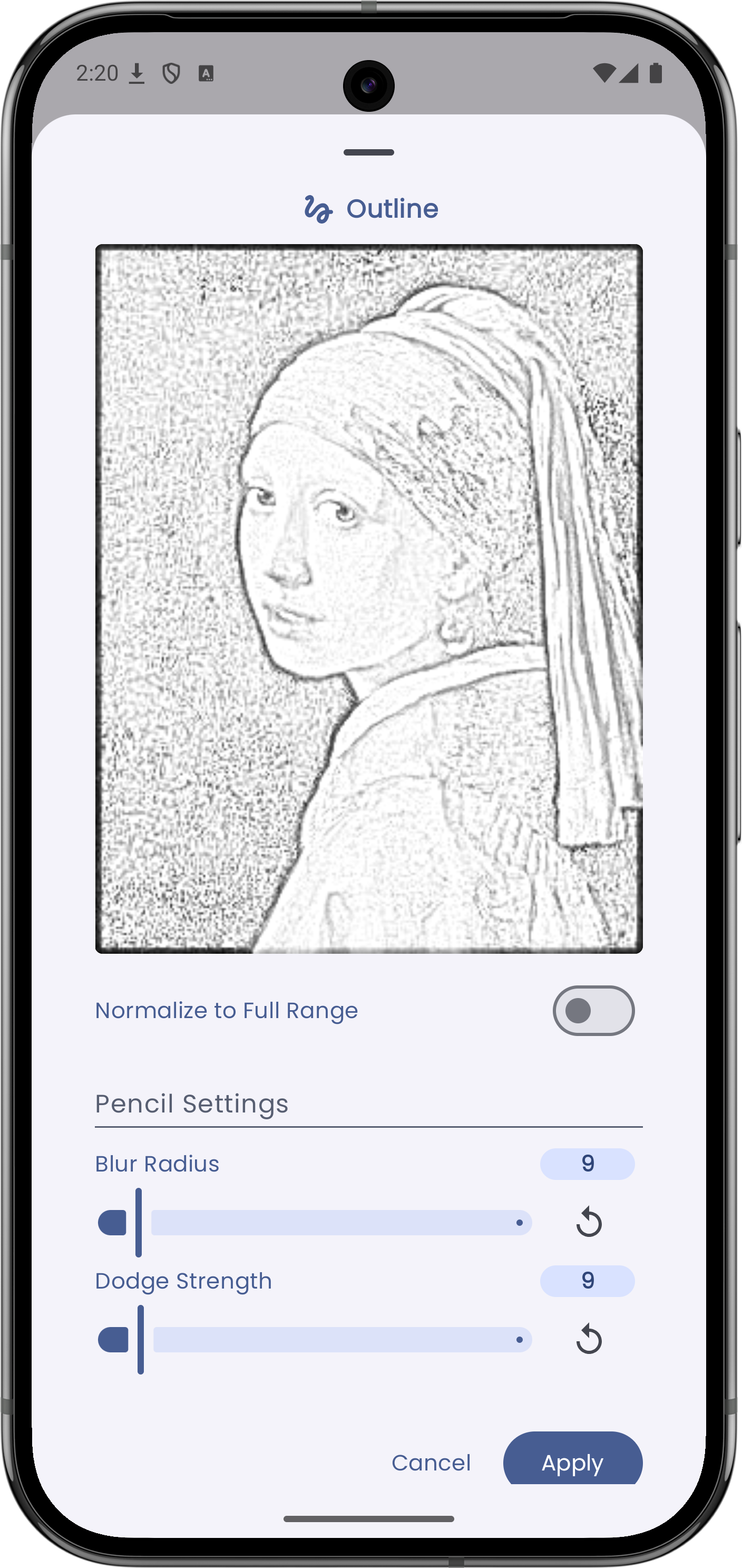
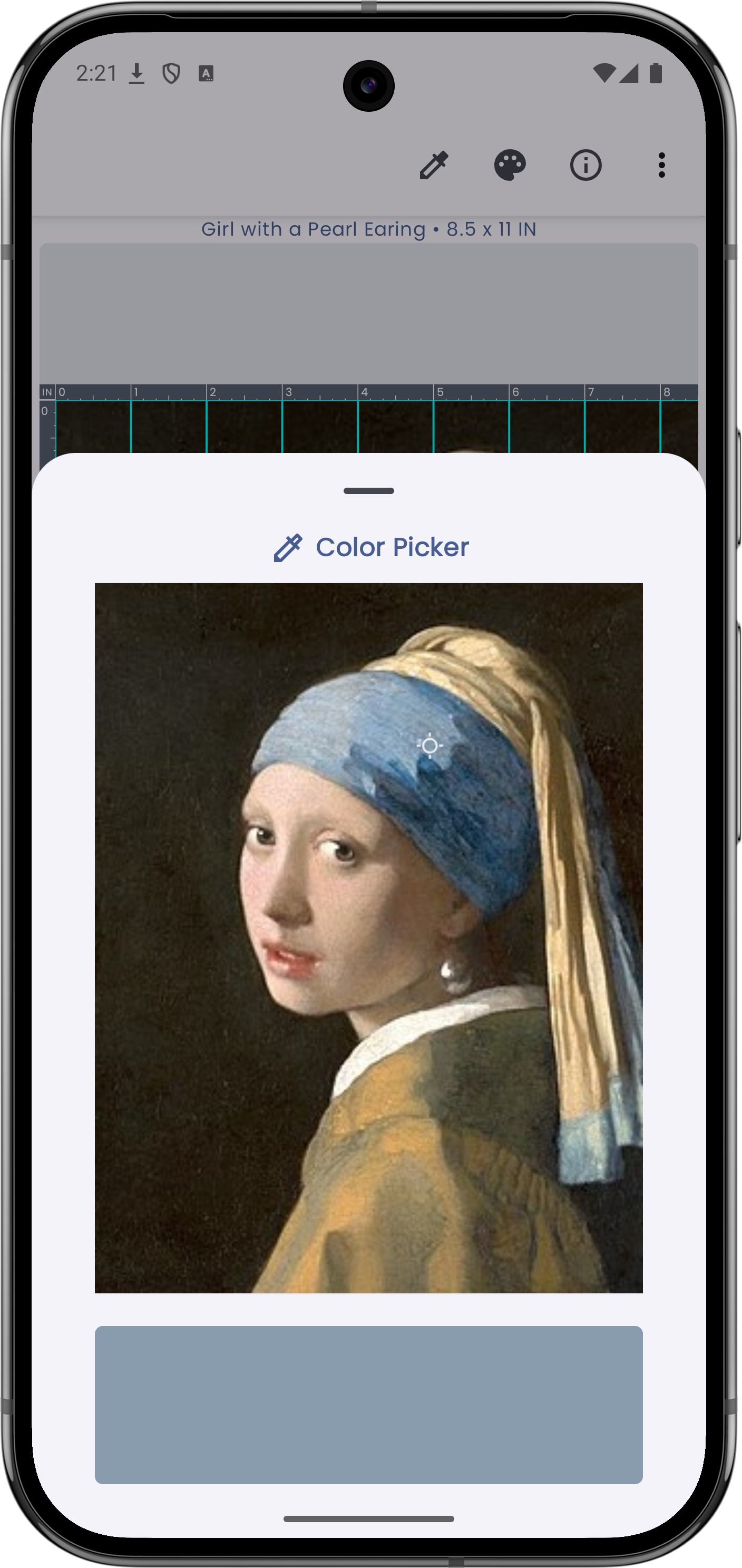
- 🎨 Apply sketch, B/W, contrast, and color tools for clearer references.
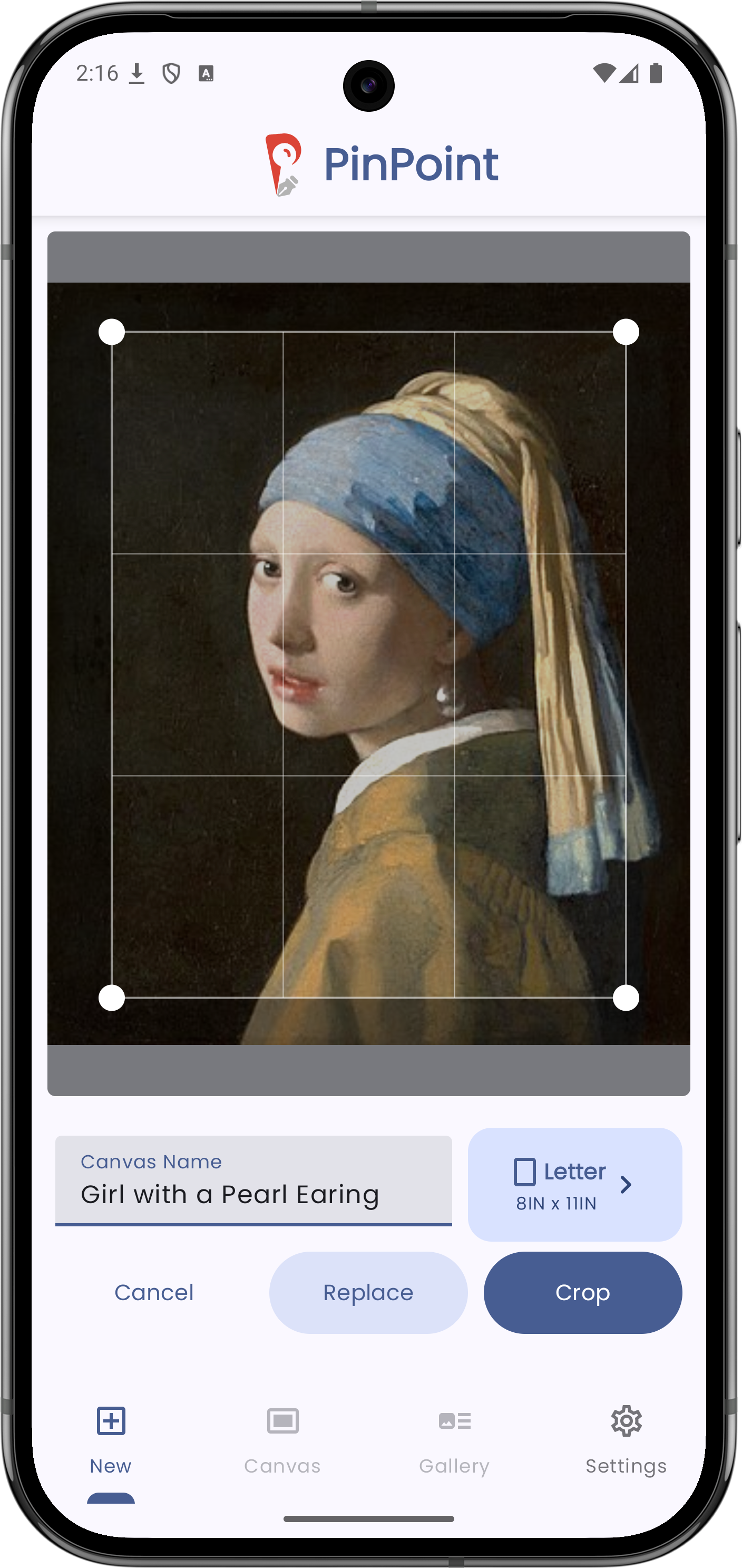
- 📷 Import references from camera or gallery (JPEG, PNG, WEBP).
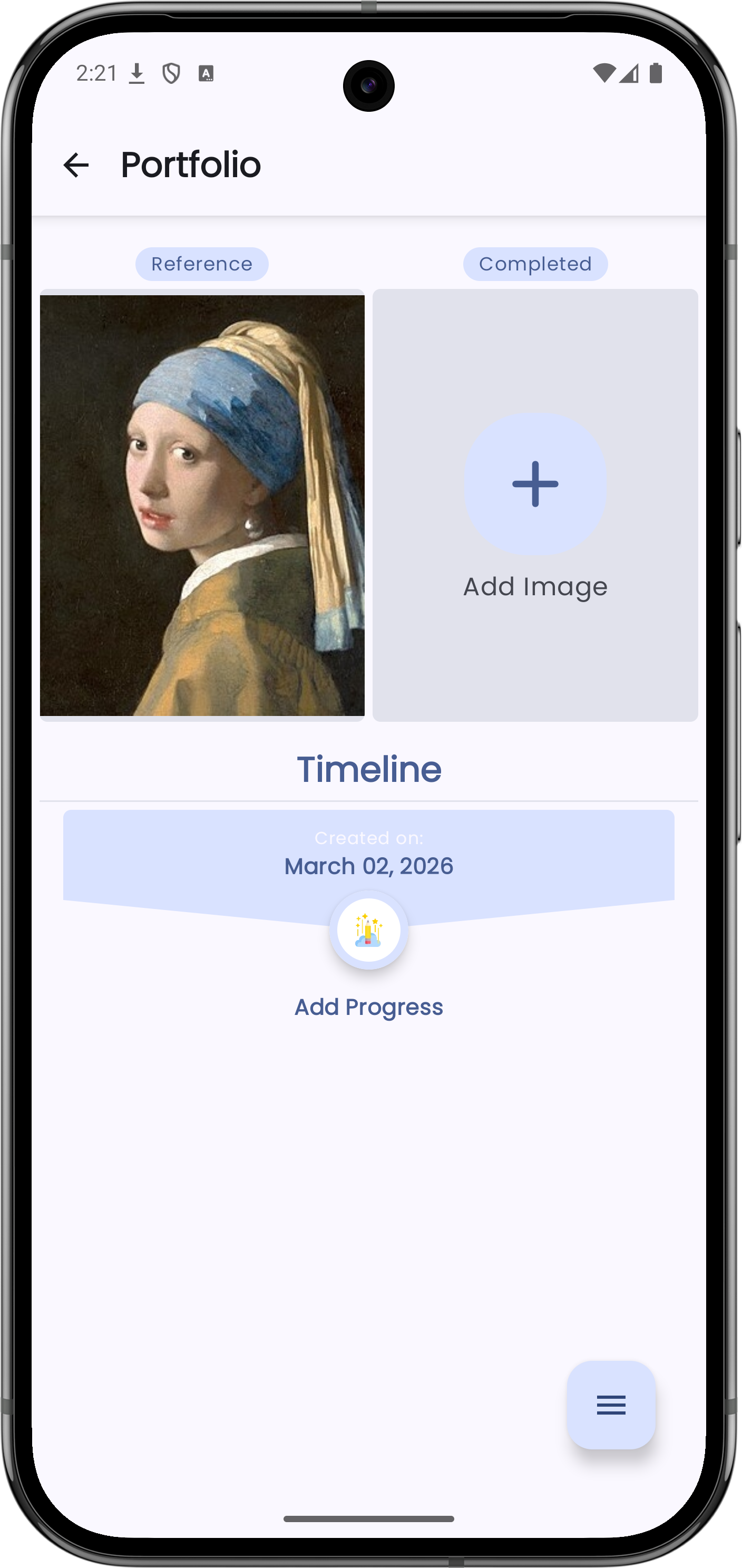
- 📁 Track project progress with portfolio snapshots and notes.
App screenshots
Explore the interface for grid drawing, AR drawing, and precision pin tools.
Popular search topics this app supports
grid drawingar sketchgrid artar drawinggrid makerdrawing grid appreference drawing appcanvas drawing guideproportion drawing toolportrait drawing helpersketch tracing appaugmented reality drawing